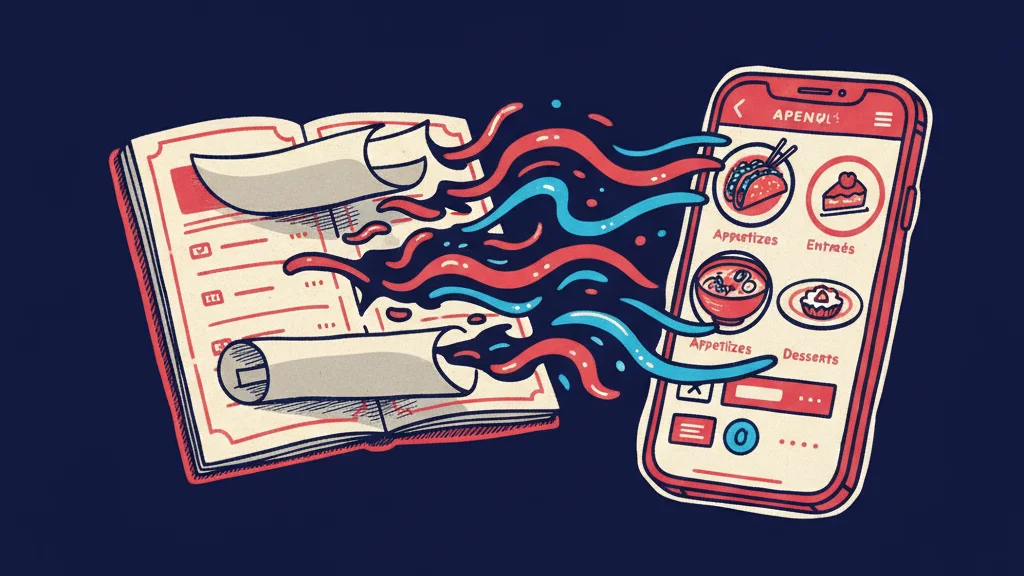
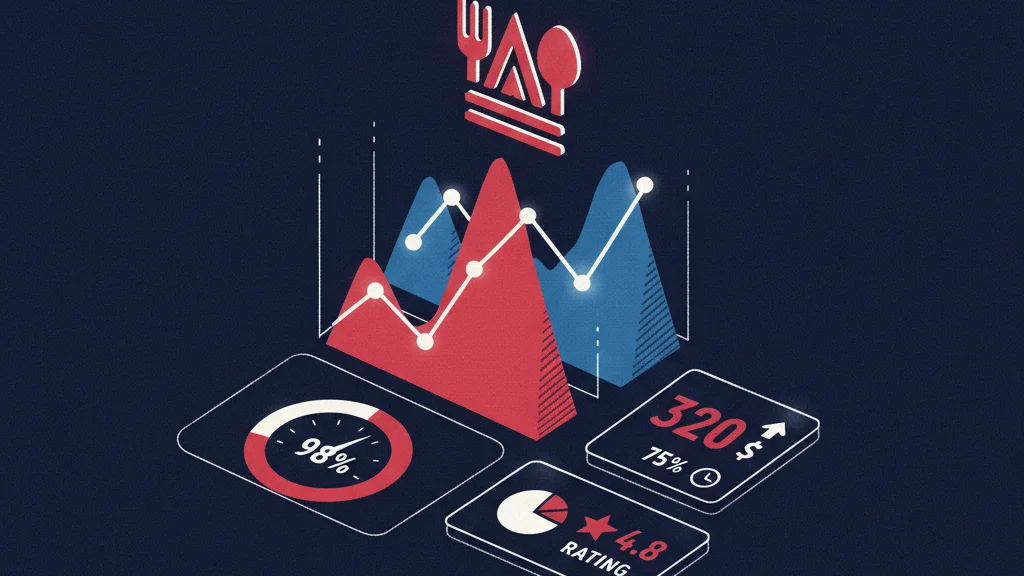
Every time a customer orders your food through DoorDash, Uber Eats, or Grubhub, somewhere between 15% and 30% of that order value leaves your business permanently. Not as a marketing cost you can optimize. Not as a fixed expense you can budget around. As a per-order tax on your own customers, collected by a platform that owns the relationship, keeps the data, and can raise the rate whenever it chooses.
For a restaurant doing $20,000 a month in third-party delivery, that’s $3,000–$6,000 per month — $36,000–$72,000 per year — going to platforms in exchange for orders that, in most cases, came from customers who already knew your restaurant and would have ordered directly if you’d given them a frictionless way to do it.
Commission-free ordering is the alternative. It’s not a new idea, but in 2026 — with direct ordering infrastructure more accessible than ever, and restaurant margins tighter than ever — it’s one of the highest-ROI decisions a restaurant operator can make.
The Real Cost of Third-Party Delivery Commissions
Platform commission structures vary, but the range is consistently damaging for restaurants operating on standard industry margins:
- DoorDash: 15–30% per order depending on plan and market
- Uber Eats: 15–30% per order
- Grubhub: 5–20% per order plus additional marketing fees
Apply those rates to monthly order volume and the impact is immediate:
| Monthly Third-Party Orders | At 20% Commission | At 25% Commission | Annual Loss |
|---|---|---|---|
| $10,000/month | $2,000/month | $2,500/month | $24,000–$30,000 |
| $20,000/month | $4,000/month | $5,000/month | $48,000–$60,000 |
| $40,000/month | $8,000/month | $10,000/month | $96,000–$120,000 |
| $75,000/month | $15,000/month | $18,750/month | $180,000–$225,000 |
These figures represent revenue that was earned — food was prepared, an order was fulfilled — but never reached the restaurant. At typical restaurant net margins of 3–9%, the commission on a single $50 order can wipe out the profit on three or four additional orders. You’re not just paying for customer acquisition. You’re paying for customers you already had.
And that’s before accounting for the other costs layered on top: reduced menu prices platforms require in some markets, marketing fees for placement in search results within the app, and the data lock-in that keeps customer ordering history and contact information in the platform’s hands — not yours.
What Commission-Free Ordering Actually Means
Commission-free ordering means customers place orders directly through your restaurant’s website — not through a third-party marketplace. The order goes directly to your kitchen. The payment goes directly to your account. You keep 100% of the order value minus payment processing fees (typically 2.5–3%), and you own the customer relationship.
This is different from reducing your reliance on delivery platforms. Commission-free ordering is specifically about building a direct ordering channel — your website, your customer, your data — that captures the order before it ever reaches a platform.
In practice, it works like this: a customer searches for your restaurant, finds your website, and orders directly from an ordering system embedded in or linked from your site. No app download required. No platform account needed. The experience is as simple as ordering through DoorDash — but the economics are entirely different.
The “But We Need the Discovery” Argument — and Why It Doesn’t Hold
The most common objection to reducing platform dependence is discovery: delivery apps have millions of users, and appearing in their search results brings in customers who wouldn’t have found you otherwise.
This is partially true — and worth taking seriously. But the math behind it rarely supports the commission rate being paid.
Multiple studies of restaurant ordering behavior consistently find that 60–80% of delivery app orders come from customers who already know the restaurant. They searched for you by name, or selected you because they’ve ordered before, or because a friend recommended you. These are not discovery orders — they’re loyalty orders being taxed at 20–30% by a platform that contributed nothing to the customer relationship.
The genuine discovery value of delivery platforms — new customers who found you through marketplace browsing — is real but smaller than the commission rate implies. A reasonable approach is to maintain a presence on delivery platforms for actual discovery while aggressively converting known customers to direct ordering. Every customer who shifts from platform to direct ordering is an immediate, permanent margin improvement.
The conversion mechanism is simple: when customers receive their order, include a card with a direct ordering link and an incentive (a free item on their next direct order, a loyalty point bonus, a small discount). Most customers prefer the direct experience once they try it — there’s no app switching, no platform markup on menu prices, and the transaction is with the restaurant they already trust.
The Direct Ordering Math: What Shifting 30% of Platform Orders Is Worth
You don’t need to eliminate delivery platforms to recover meaningful margin. Shifting a portion of platform orders to direct is enough to make a significant difference.
Here’s what a conservative 30% shift from platform to direct ordering looks like:
| Monthly Platform Orders | 30% Shifted to Direct | Monthly Recovery (at 22% avg commission) | Annual Recovery |
|---|---|---|---|
| $10,000 | $3,000 direct | $660/month | $7,920/year |
| $20,000 | $6,000 direct | $1,320/month | $15,840/year |
| $40,000 | $12,000 direct | $2,640/month | $31,680/year |
| $75,000 | $22,500 direct | $4,950/month | $59,400/year |
This is pure margin recovery — no additional orders, no marketing spend, no operational change. The same food, the same customers, with the delivery channel removed from the middle of the transaction.
For a restaurant with $40,000 in monthly third-party delivery volume, recovering 30% of that to direct ordering puts an additional $31,680 per year to the bottom line. At 5% net margins, that’s equivalent to generating $633,000 in additional revenue through growth alone. Margin recovery is almost always more efficient than revenue growth.
What You Need to Run Commission-Free Ordering
Setting up direct ordering isn’t technically complex, but it requires the right infrastructure to work properly:
A fast, mobile-optimized website
Your direct ordering channel lives or dies on your website experience. If your site loads in 4 seconds on mobile, customers will abandon to DoorDash — where the app loads instantly and the experience is familiar. Commission-free ordering requires a website fast enough to compete with the delivery app experience. That means sub-1-second load times, seamless mobile navigation, and an ordering flow that doesn’t require multiple page loads or account creation friction.
A commission-free ordering integration
Several ordering platforms offer zero-commission direct ordering for a flat monthly fee: ChowNow ($119–$328/month), Flipdish, and direct integrations available through most major POS systems including Toast, Square, and SpotOn. The flat fee is recovered the moment you shift even a small number of orders from platform to direct — typically within the first week of launch for any restaurant with meaningful delivery volume.
Customer conversion strategy
The ordering infrastructure alone doesn’t move customers. You need a mechanism to convert platform customers to direct customers: packaging inserts with QR codes, text or email campaigns to your existing customer list, loyalty incentives for direct orders, and a Google Business Profile that links directly to your ordering page rather than to a delivery platform.
POS integration
Direct orders need to flow into your kitchen the same way platform orders do — ideally through your existing POS so staff don’t need to manage a separate tablet or workflow. Most commission-free ordering platforms integrate with major POS systems. This is a technical step that’s worth confirming before choosing an ordering platform, but it’s rarely a blocker.
Commission-Free Ordering and Your Website: Why They’re Inseparable
The single biggest lever for direct ordering conversion is your website — specifically, how fast it loads, how easy it is to navigate on mobile, and how prominently the ordering flow is featured.
A restaurant with a slow, hard-to-navigate website will fail at direct ordering regardless of how good the ordering platform is. Customers who encounter friction — slow load, confusing menu layout, checkout that requires too many steps — will open DoorDash and place the same order in 30 seconds. The commission gets paid not because the customer preferred the platform, but because the platform delivered a better experience.
This is why the direct ordering opportunity and the website performance opportunity are the same decision. A high-performance restaurant website — fast, mobile-optimized, with a clear ordering path — is the infrastructure that makes commission-free ordering viable at scale.
How RichMenu Builds Commission-Free Ordering Infrastructure
Every website RichMenu builds is designed from the ground up to support direct ordering as the primary revenue channel:
- Sub-1-second mobile load times — fast enough to compete with the delivery app experience that customers are used to. No friction at the point where the ordering decision is made.
- 0% commission ordering integration — RichMenu integrates with commission-free ordering platforms and POS-native direct ordering systems, embedding them seamlessly into the website experience
- Prominent ordering CTAs throughout — every page of the site is designed to route high-intent visitors toward the ordering flow, not toward a third-party platform
- Google Business Profile ordering link — your GBP “Order Online” button links to your direct ordering page, capturing the customers who find you through Google Maps before they ever reach a delivery platform
- Menu schema markup — your menu is structured for Google and AI indexing, so searches for specific dishes or menu items lead to your site, not to a platform listing
- Customer data ownership — every direct order builds your customer database. You own those email addresses, order histories, and preferences — not DoorDash.
The result is a direct ordering channel that competes on experience, not just economics. When your website is as fast and frictionless as a delivery app, customers choose it — especially when they already know you.
See how RichMenu builds commission-free ordering into your restaurant website →
Frequently Asked Questions
What is commission-free restaurant ordering?
Commission-free restaurant ordering means customers place orders directly through your restaurant’s website rather than through a third-party delivery marketplace like DoorDash or Uber Eats. You pay only standard payment processing fees (typically 2.5–3%) rather than platform commissions of 15–30% per order. You own the customer relationship, the transaction data, and the full order revenue.
How much money can a restaurant save with commission-free ordering?
At a 22% average platform commission, a restaurant doing $20,000/month in delivery orders pays $4,400/month — $52,800/year — in platform fees. Shifting even 30% of those orders to direct ordering recovers $1,320/month or $15,840/year in pure margin, with no additional revenue growth required. For restaurants with higher delivery volume, the savings scale proportionally and are often the single largest margin improvement available without operational changes.
Do I have to stop using DoorDash and Uber Eats to do commission-free ordering?
No. The most effective approach for most restaurants is a hybrid strategy: maintain a presence on delivery platforms for genuine new-customer discovery while building a direct ordering channel that converts known customers away from platforms. Every order shifted from platform to direct is an immediate, permanent margin improvement — you don’t need to go all-in on direct to see meaningful financial impact.
What ordering platforms offer commission-free restaurant ordering?
Several platforms offer zero-commission direct ordering for a flat monthly fee: ChowNow ($119–$328/month), Flipdish, and direct ordering integrations built into major POS systems including Toast, Square, and SpotOn. The flat fee is typically recovered within days for any restaurant with meaningful delivery volume, making commission-free platforms a straightforward financial decision.
Why do I need a fast website for commission-free ordering to work?
Your direct ordering channel competes directly with the delivery app experience — which is fast, familiar, and frictionless. If your website loads slowly or is hard to navigate on mobile, customers will revert to the app. Commission-free ordering only works at scale if the website experience is good enough to win the comparison. That means sub-1-second load times, mobile-optimized layout, and a clear, fast ordering flow.
How do I convert my DoorDash customers to order directly?
The most effective conversion tactics: include a QR code card in every delivery bag linking to your direct ordering page with a first-order incentive (a free item or small discount); update your Google Business Profile “Order Online” button to point to your direct ordering page; and send a direct ordering campaign to any customer contact list you have. Most customers prefer ordering directly once they try it — the main barrier is awareness that the option exists.