
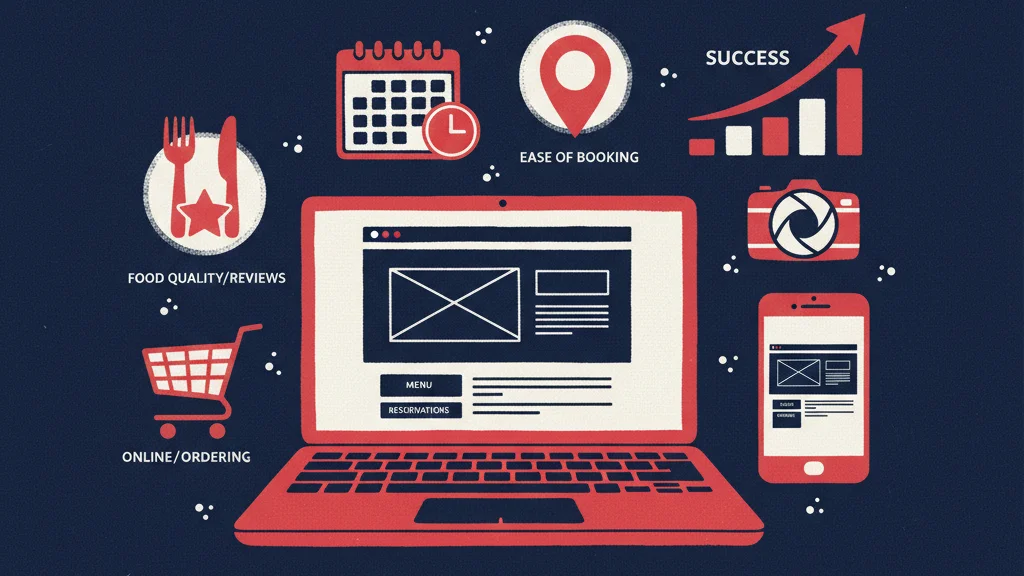
When a potential customer lands on your restaurant website, they make a judgment in under 3 seconds. Not about your food — about whether your website is worth their time. That judgment determines whether they read your menu, place an order, or hit the back button and find a competitor. This post breaks down exactly what guests are judging, what makes them stay, and what sends them away — with specific fixes for each.
The 3-Second Test: What Guests Decide Immediately
Speed is the first judge. A page that takes more than 3 seconds to load on mobile loses 50%+ of visitors before they see anything. Before a single photo renders or a word is read, your website has already passed or failed its first test based purely on how fast it responds.
The second judge is clarity. Once the page loads, guests are asking three questions in rapid succession: What kind of restaurant is this? What does the food look like? How do I order? If those three questions aren’t answered immediately — without scrolling, without clicking around — a large share of visitors will leave.
The elements that determine whether you pass the 3-second test are load time, the quality and relevance of your hero image, and the presence or absence of an Order Now call-to-action above the fold. If any of those three are missing or broken, you’re losing guests before they’ve even seen your menu.
The 7 Things Guests Actually Judge (In Order)
Restaurant owners tend to invest time in elements guests barely notice and underinvest in the things guests actually use to make decisions. Here are the seven factors guests judge — ranked in the order they encounter them.
1. Load Speed
Guests don’t think “this website is slow” — they just leave. According to Google’s data, 53% of mobile users abandon a page that takes more than 3 seconds to load. They don’t consciously register a slow site as a problem. They experience a moment of friction, lose interest, and move on. Your restaurant never gets a second chance to make that impression. The fix: move to a platform delivering sub-2-second mobile load times. A PageSpeed score of 90 or above on mobile is the benchmark to target.
2. Menu Accessibility
After the page loads, finding the menu is the number one task guests come to accomplish. Can they get there in one click? Is the menu a PDF file — or an actual HTML page? PDF menus are one of the most common mistakes on restaurant websites. They don’t display cleanly on mobile screens, they can’t be indexed by search engines, and they can’t link to an ordering flow. A guest who has to pinch-and-zoom a PDF to read your menu is a guest who is about to close the tab. The fix: replace your PDF with a properly structured HTML menu page that loads fast, reads well on mobile, and can connect directly to ordering.
3. Food Photography
Low-quality photos signal low-quality food. That’s not fair, but it’s how guests interpret what they see. Photography is how guests make ordering decisions before they read a single description. Stock photos are actively harmful — guests recognize them, and they create a sense of inauthenticity that undercuts trust. The fix: invest in 10 to 15 hero dish photos shot on a decent camera or a modern smartphone in natural light. You don’t need a professional shoot. You need honest, sharp, well-lit photos of your actual food.
4. Ordering Clarity
Is it obvious how to order? Is the Order Now button visible without scrolling? And critically — when a guest clicks that button, where does it go? Guests who click Order Now and land on DoorDash feel misled. They came to your website expecting to order from you directly, and instead they’ve been handed off to a third-party platform that takes a commission and puts your competitors one scroll away. The fix: an Order Now CTA visible above the fold on every device, pointing to your own direct ordering page — not a third-party app.
5. Hours and Location
A significant share of guests landing on your website have one simple question: are you open right now, and where are you? If your hours aren’t immediately visible — on the homepage, in the header, or findable within one scroll — those guests will leave. They’re not going to hunt through your About page to find your address. The fix: hours and address either in the header or visible within the first scroll of the homepage. This is a low-effort fix with a direct impact on guests who are actively trying to visit you.
6. Social Proof
Reviews build the confidence to order from a restaurant you haven’t tried before. When a guest lands on your website and sees no reviews, no star rating, and no indication that other people have eaten there and enjoyed it, the site feels unvalidated. They don’t know if the food is good. They have no reason to take the risk. The fix: pull three to five Google review quotes directly onto the homepage with star ratings. Real words from real guests, visible without clicking away, do more for first-time conversion than almost any design element.
7. Mobile Experience
More than 70% of restaurant website traffic comes from mobile devices. Yet most restaurant websites are built and tested on a desktop browser, and the mobile version is an afterthought. The result: buttons too small to tap accurately, text that requires zooming to read, navigation menus that don’t collapse cleanly, and images that overflow their containers. The fix: test your website on an actual phone, on actual mobile data — not a desktop browser with a resized window. What you find will likely surprise you.
What Guests Don’t Care About (That Owners Obsess Over)
A lot of restaurant website investment goes into things that don’t move the needle on guest behavior. It’s worth naming them directly.
Color palettes that “match the brand.” Guests are not evaluating your color choices. They’re looking for your menu.
Fancy animations and parallax scrolling effects. These add load time and visual noise. Guests find them distracting, not impressive. On mobile, they frequently break entirely.
Long “Our Story” sections on the homepage. Guests who want to know your story will find it. Guests who want to order don’t need to read it first. Keep the story on its own page.
Custom decorative fonts. Difficult-to-read fonts slow down comprehension and increase bounce rate. Clarity beats personality every time when a guest is trying to find your hours.
These elements occasionally impress other restaurant owners. They rarely convert browsers into buyers. Guests want speed, clarity, and food photos. Everything else is secondary.
The Fixes Ranked by Impact
| Fix | Impact | Effort |
|---|---|---|
| Improve mobile load speed | Very High | High (platform change may be needed) |
| Add Order Now CTA above the fold | Very High | Low |
| Replace PDF menu with HTML page | High | Medium |
| Add food photography | High | Medium |
| Add Google review quotes to homepage | High | Low |
| Display hours and address prominently | Medium | Low |
| Test and fix mobile tap targets | Medium | Low |
How to Check Your Own Website in 5 Minutes
Before investing in fixes, do this self-audit right now. Everything you need is your phone and 5 minutes.
- Open your site on your phone (not desktop) on mobile data — not WiFi
- Time how long it takes to fully load
- Count how many taps it takes to reach your menu
- Find the Order Now button — is it visible without scrolling?
- Tap Order Now — does it go to your own ordering page or a third-party app?
- Read your last 10 Google reviews — are any of them quoted on your homepage?
If you want a faster, more complete picture, run a free website audit at websitegrader.ngaze.ai. It grades your site on load speed, mobile performance, SEO, and ordering setup — and shows you exactly what to fix first.
How RichMenu Approaches Restaurant Website Design
RichMenu builds restaurant websites engineered around what guests actually judge. Every site is built for sub-1-second mobile load time, with an Order Now button above the fold by default, an HTML menu with direct ordering integration, Google review quotes structured into the homepage, and a 100% mobile-optimized layout tested on real devices. The goal isn’t a website that looks good in a screenshot. It’s a website that converts the guests who land on it.
See how RichMenu builds websites guests actually convert on →
Frequently Asked Questions
What should a restaurant website have?
At minimum, a restaurant website needs five things: a fast-loading mobile experience, an HTML menu (not a PDF), an Order Now button visible above the fold, clearly displayed hours and address, and food photography that shows your actual dishes. Beyond those essentials, social proof in the form of Google review quotes and a simple contact or reservation option round out a site that converts visitors into guests. Everything else — elaborate animations, long brand stories, decorative fonts — is optional and often counterproductive.
What do guests look for on a restaurant website?
Guests come to a restaurant website with a small set of practical questions: What kind of food do you serve? What does it look like? How do I order? Are you open? Where are you located? The sites that answer those questions immediately — without requiring scrolling, clicking through multiple pages, or downloading a PDF — convert far better than sites that prioritize aesthetics over usability. Speed, clarity, and food photography are the three factors guests respond to most strongly.
Why is my restaurant website not converting visitors?
The most common reasons a restaurant website fails to convert are slow mobile load times, a hard-to-find or PDF-based menu, no visible Order Now button, and a lack of social proof. Guests make fast decisions, and any friction in the path from landing on your site to placing an order results in abandonment. Start with a mobile speed test and a walkthrough of your ordering flow from a guest’s perspective — those two checks will surface the majority of conversion issues.
How important is load speed for a restaurant website?
Load speed is the single most important technical factor affecting restaurant website performance. Google’s data shows that 53% of mobile users abandon a page that takes more than 3 seconds to load — and they leave before seeing any content at all. A slow website means guests never read your menu, never see your photos, and never have the chance to place an order. Achieving a mobile PageSpeed score of 90 or above should be a non-negotiable baseline for any restaurant website.
Should a restaurant website have online ordering?
Yes — and it should be direct ordering through your own website, not a redirect to a third-party delivery platform. When guests click Order Now and land on DoorDash or a similar app, they experience it as a bait-and-switch, and you lose the commission-free transaction you could have had. Direct ordering integration keeps the guest on your site, gives you control over the experience, and eliminates per-order fees to third-party platforms. It’s one of the highest-ROI additions a restaurant website can have.
How do I improve my restaurant website?
Start with the highest-impact, lowest-effort fixes: add an Order Now CTA above the fold, pull Google review quotes onto your homepage, and make sure your hours and address are visible without scrolling. Then address the medium-effort items: replace any PDF menu with an HTML page and invest in 10 to 15 real food photos. Finally, audit your mobile load speed — if it’s above 3 seconds, a platform change may be necessary to get to the sub-2-second threshold that retains visitors. Running a free audit at websitegrader.ngaze.ai gives you a prioritized list specific to your site.